Useful links:
- FSE Theme Summary & Presentation: https://atlassian-bacardi.atlassian.net/browse/DXP-2208
Contents:
TODO: ACTUAL
See TODO in each block page: https://agnostic-fse-com-gl-en.wpe-stg.bacardi.digital/blocks/
Find out why new feature “fitText” not working
https://github.com/WordPress/gutenberg/pull/71904 (see video )
SVG Inline block is not focuable if we click on the block in editor
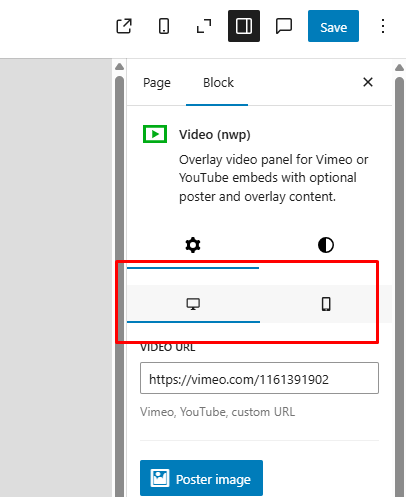
Rewrite mobile /desktop view make UI the same as done for Adaptive
and make auto-switch devise on select
Override Synced Patterns for NWP Blocks
Find a way to add ability to override options in out blocks as part of synced patterns. See: https://wordpress.org/news/2023/07/synced-patterns-the-evolution-of-reusable-blocks/
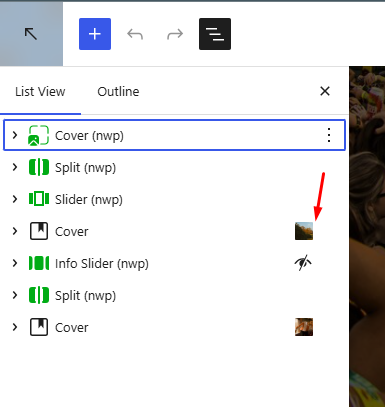
Make custom class visible
When we add custom class for any block it shoul be visible at glance but not should be hidden in collapsed “advanced” tab at the bottom of settings page. The best way is highlight that custom class set in doc-tree view and show the class inself right after block description.
We may for example add icon or part of class name here:
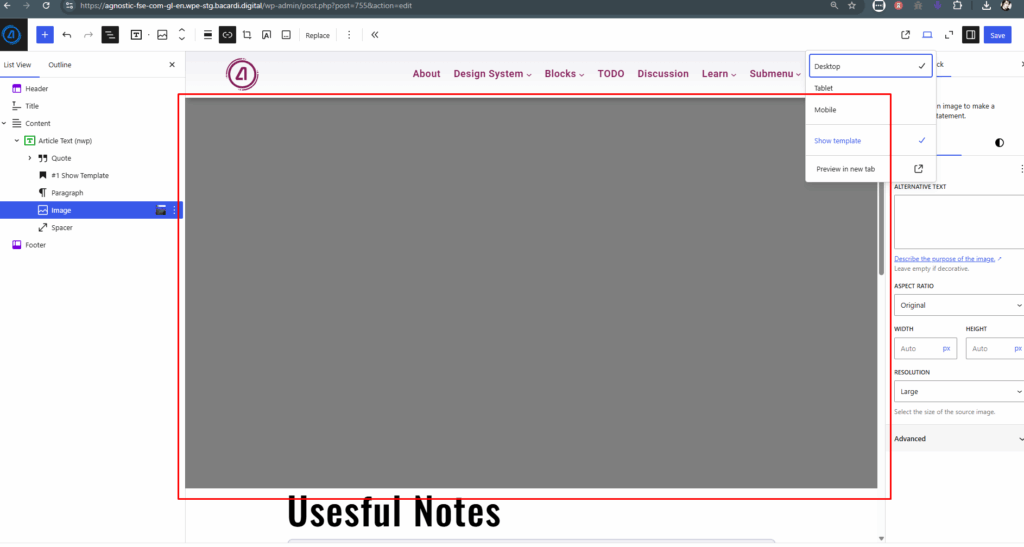
FIX: Hide header submenus
When “Show Template” selected:
Add button to export block styles as json file
Then this json code will be added to the theme itself to save current block styles – it needed as bacjup and usefull when theme sets up on one env and them moved to another.
Find way to register block style variation
If we register block style variation via register_block_style(), the variation only appeare in regular editor and not apear in site style editor.
Find correct hook
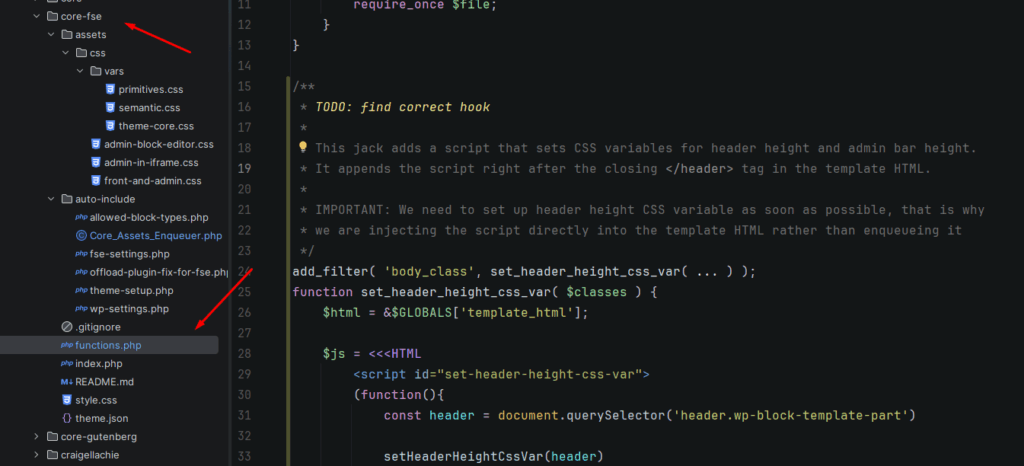
Bug
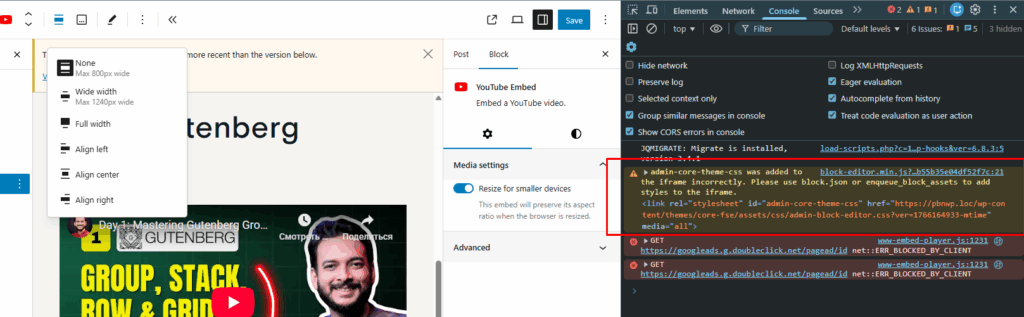
Fix OT-Autoblock
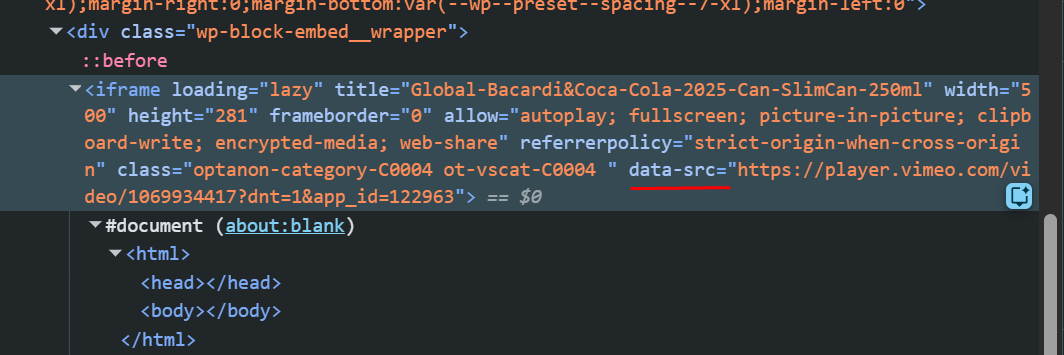
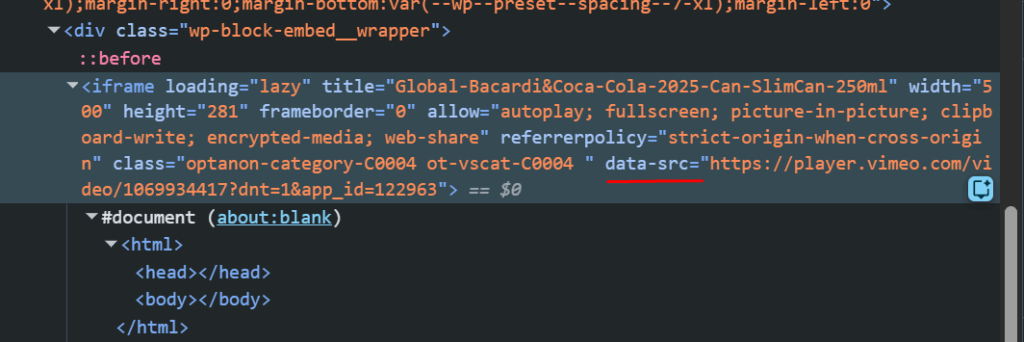
iframe video not works src attr changes
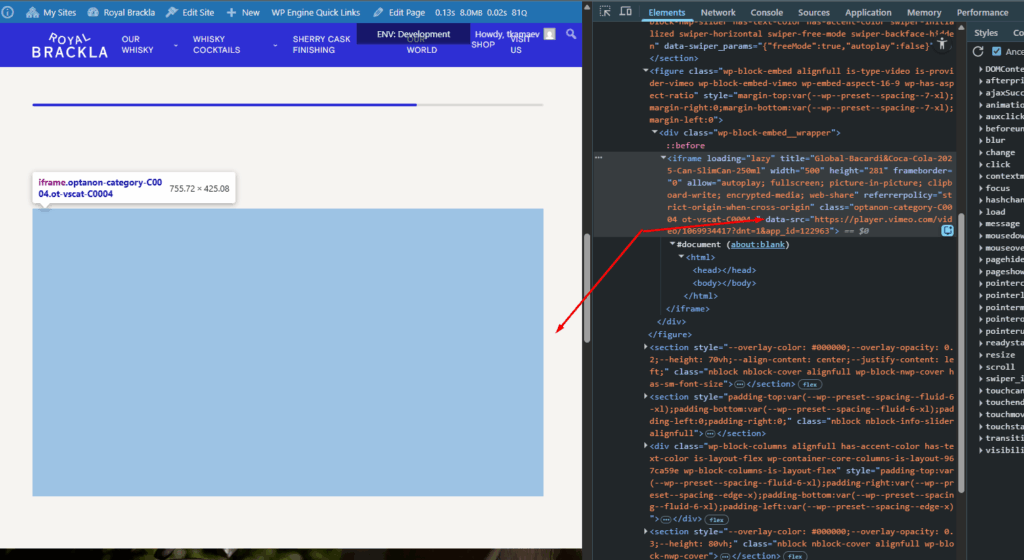
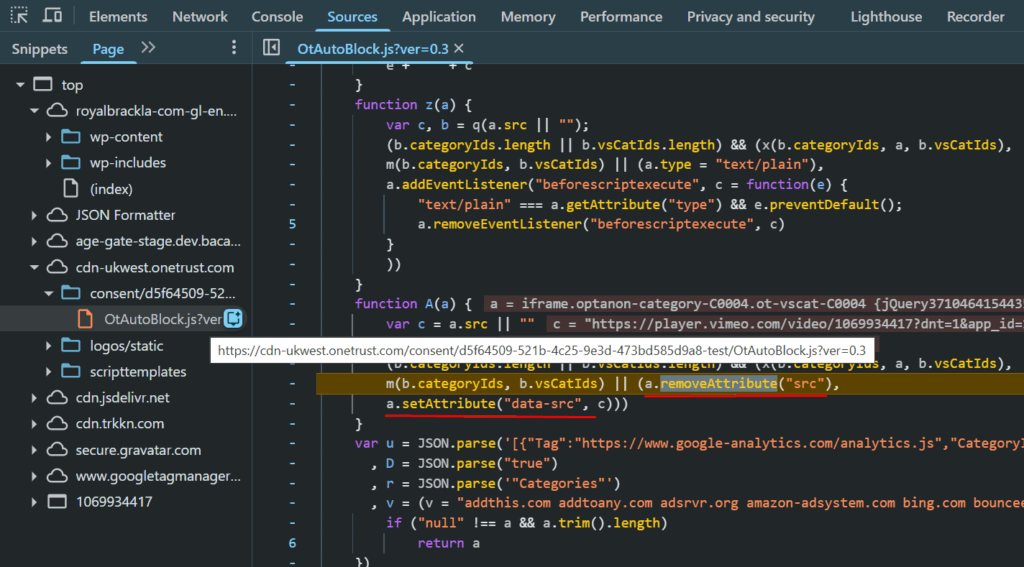
iframe src changed to data-src and not work
Move required code [P3]
From core (plugin) & core-gutenberg (theme)
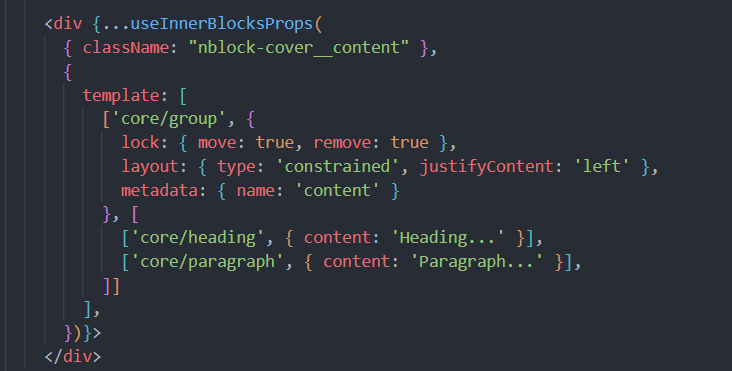
Move useInnerBlocksProps template to separate file [P10]
FAQ Block settings:[P5]
Add options: first answer open, all closed, all open
Add a button in the admin bar to open the site editor in the admin (for convenience) [P10]
Also add an “edit page in editor” button under “Edit Page” (for convenience)
http://agnostic-fse-com-gl-en.wpe-stg.bacardi.digital/wp-admin/site-editor.php?p=%2Fpage&layout=list&activeView=published&postId=248&canvas=editCreate a page for writing global styles [P3]
Accessible only to a selected group of developers
Disable auto-activated plugins that are not needed for FSE: [P5]
action-scheduler
Collect all inline block styles into a file [P5]
Load it at the top, in the header. Currently a lot of styles are just inline. Not sure that this is a good idea.
Remove adding default WP CSS variables into HTML: [P5]
--wp--preset--spacing--20
--wp--preset--spacing--30
--wp--preset--spacing--40
--wp--preset--spacing--50
--wp--preset--spacing--60
--wp--preset--spacing--70
--wp--preset--spacing--80

--wp--preset--gradient--vivid-cyan-blue-to-vivid-purple: null;
--wp--preset--gradient--light-green-cyan-to-vivid-green-cyan: null;
--wp--preset--gradient--luminous-vivid-amber-to-luminous-vivid-orange: null;
--wp--preset--gradient--luminous-vivid-orange-to-vivid-red: null;
--wp--preset--gradient--very-light-gray-to-cyan-bluish-gray: null;
--wp--preset--gradient--cool-to-warm-spectrum: null;
--wp--preset--gradient--blush-light-purple: null;
--wp--preset--gradient--blush-bordeaux: null;
--wp--preset--gradient--luminous-dusk: null;
--wp--preset--gradient--pale-ocean: null;
--wp--preset--gradient--electric-grass: null;

--wp--preset--color--black: null;
--wp--preset--color--cyan-bluish-gray: null;
--wp--preset--color--white: null;
--wp--preset--color--pale-pink: null;
--wp--preset--color--vivid-red: null;
--wp--preset--color--luminous-vivid-orange: null;
--wp--preset--color--luminous-vivid-amber: null;
--wp--preset--color--light-green-cyan: null;
--wp--preset--color--vivid-green-cyan: null;
--wp--preset--color--pale-cyan-blue: null;
--wp--preset--color--vivid-cyan-blue: null;
--wp--preset--color--vivid-purple: null;

--wp--preset--font-size--small: null;
--wp--preset--font-size--medium: null;
--wp--preset--font-size--large: null;
--wp--preset--font-size--x-large: null;
Create a convenient button to export theme.json [P6]
and export template patterns (header, footer, etc.) so that the code can be updated locally by one click.
Create controlled access to global styles settings [P10]
Only for selected users – via a specific new permission.
Fix block preview [P10]
We need clear previews when hovering over blocks in the admin.
Add a link to the block’s page P[6]
On the agnostic site page into the block description, under the name add description with agnostic block page Link